TriCaster® Family
The All-in-One Production System for Every Creator. From global broadcasters to independent streamers, TriCaster® puts switching, streaming, graphics, audio, and publishing all in one powerful platform. No matter your scale, there’s a TriCaster® built for you.
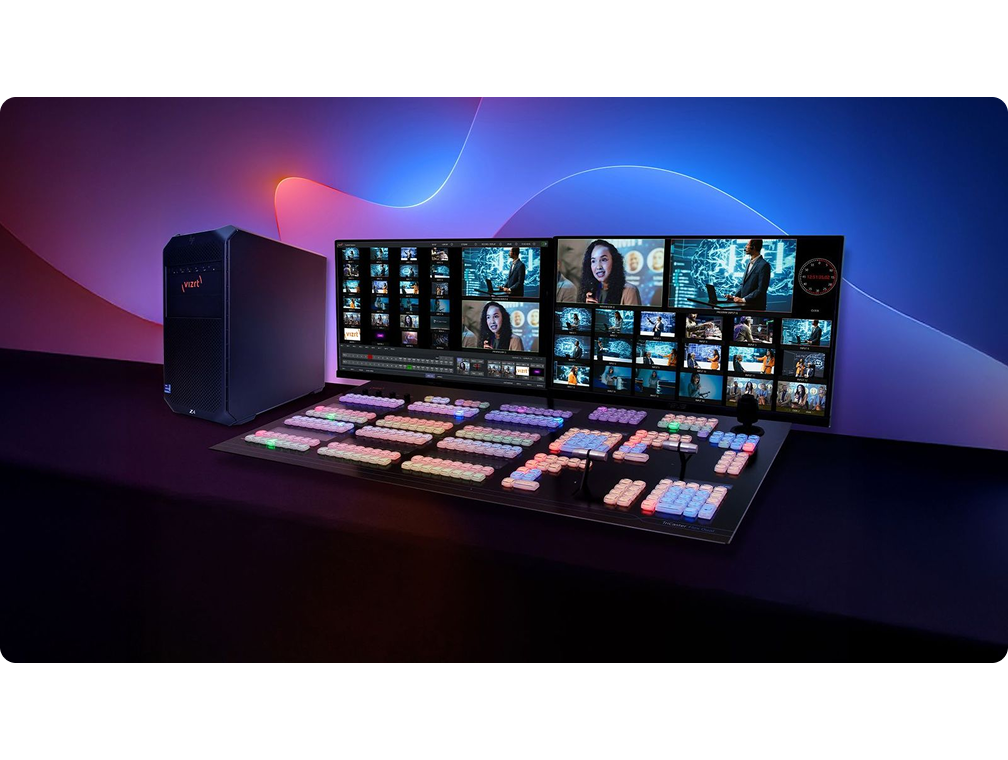
Why Storytellers Trust TriCaster®
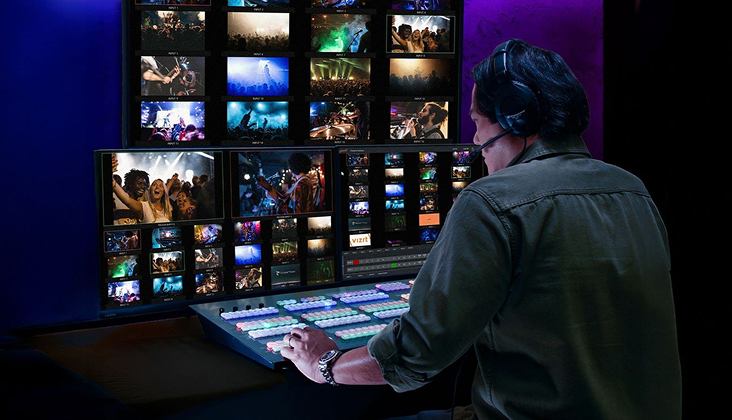
All-in-One Production Power
TriCaster lets you switch, stream, record, and add graphics from a single device, making it easy to produce professional-quality broadcasts without extra equipment.
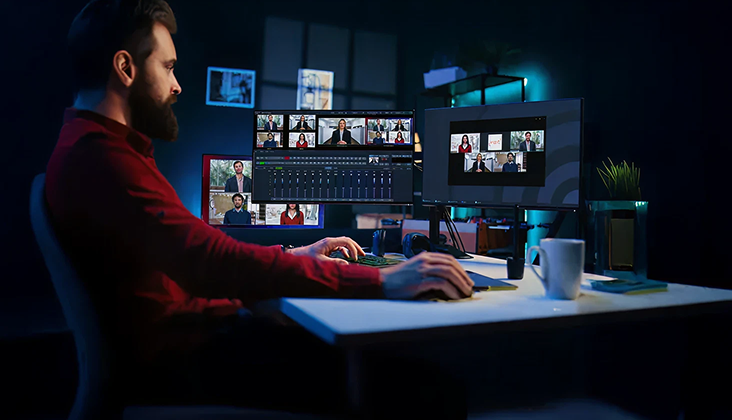
Flexible and Scalable Workflows
Handle productions of any size with ease, whether it’s a small event or a large-scale broadcast, with support for multiple inputs and output destinations.
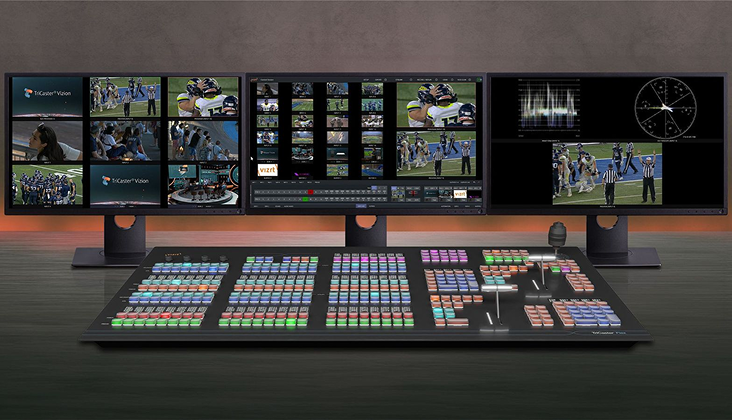
Proven Reliability
Broadcasters around the world rely on TriCaster for consistent, high-performance production even under the most demanding conditions.
Find the Perfect TriCaster®
for Your Production
Whether you’re running a global broadcast or streaming from your studio,
there’s a TriCaster designed for your workflow.
One System. Endless Possibilities.
Live Switching and Compositing
Seamlessly switch between multiple camera feeds and sources in real time for smooth, professional broadcasts.
Streaming to Any Platform
Deliver photorealistic visuals, AR, and virtual sets instantly—keeping pace with live broadcasts without compromising quality.
Integrated Graphics and Overlays
Enhance your production with lower thirds, scoreboards, and dynamic graphics directly within TriCaster.
Recording and Playback
Capture every moment in high quality and replay instantly for highlights or instant analysis.
Virtual Sets and Augmented Reality
Deliver photorealistic visuals, AR, and virtual sets instantly—keeping pace with live broadcasts without compromising quality.
Audio Mixing and Control
Manage multiple audio sources with built-in mixing tools to ensure crystal-clear sound in every production.
Not Sure Which TriCaster® Is Right for You?
Compare models side by side to see inputs, outputs, connectivity, and best-fit use cases.
| Feature | TriCaster® Mini S | TriCaster® Mini X | TriCaster® 410 Plus | TriCaster® TC1 | TriCaster® 1 Pro | TriCaster® Vizion | TriCaster® Vectar |
|---|---|---|---|---|---|---|---|
Input Count | 8 | 8 | 8 | 16 | 16 | 44 | 44 |
Input Types | IP | IP/HDMI/USB | IP/SDI | IP/SDI | IP/SDI | IP/SDI | IP |
Output Mixes | 4 | 4 | 4 | 4 | 4 | 8 | 8 |
DSK | 2 | 2 | 2 | 4 | 4 | 4 | 4 |
M/E Count / Layer / Keys | 4/2/2 | 4/2/2 | 4/2/2 | 4/4/4 | 4/4/4 | 8/4/4 | 8/4/4 |
Record Count | 4 | 4 | 4 | 8 | Unlimited | Unlimited | Unlimited |
Max Session Res. | 2160p/60 | 2160p/30 | 1080p/60 | 2160p/60 | 2160p/60 | 2160p/60 | 2160p/60 |
M/E Video Re-Entry | |||||||
Live Call Connect | Zoom & Teams NDI Workflow | – | Zoom & Teams NDI Workflow | Zoom & Teams NDI Workflow | |||
Live Link | |||||||
LivePanel | ** | ** | |||||
Live Story Creator | ** | ** | |||||
NDI KVM | |||||||
Supplemental Audio | ** | ** | |||||
Vertical Sessions | ** | ** | |||||
PSD Import Support | |||||||
AI Audio/Neural and Voice Isolation | |||||||
NDI Matrix Router | – | – | – | – | – | ||
HDR Sessions & I/O | – | – | – | – | – | ||
Configurable I/O Connectors | – | – | – | – | – | – | |
AI Gaze Redirection | – | – | – | – | – | – | |
Programmable Outs | – | – | – | – | – | ||
**with Premium Access |
Still Not Sure Which TriCaster is Right for You?
Our broadcast specialists can help you find the system that fits your production needs. Get personalized guidance and explore your options with an expert today.