Viz Multiplay
Control every studio screen from one clean interface — graphics, clips, live feeds, templates, and images — with seamless transitions and playlist-ready workflows. Deliver smoother shows, faster workflows, and audience-grabbing visuals. Viz Multiplay makes video wall management simple, fast, and reliable.
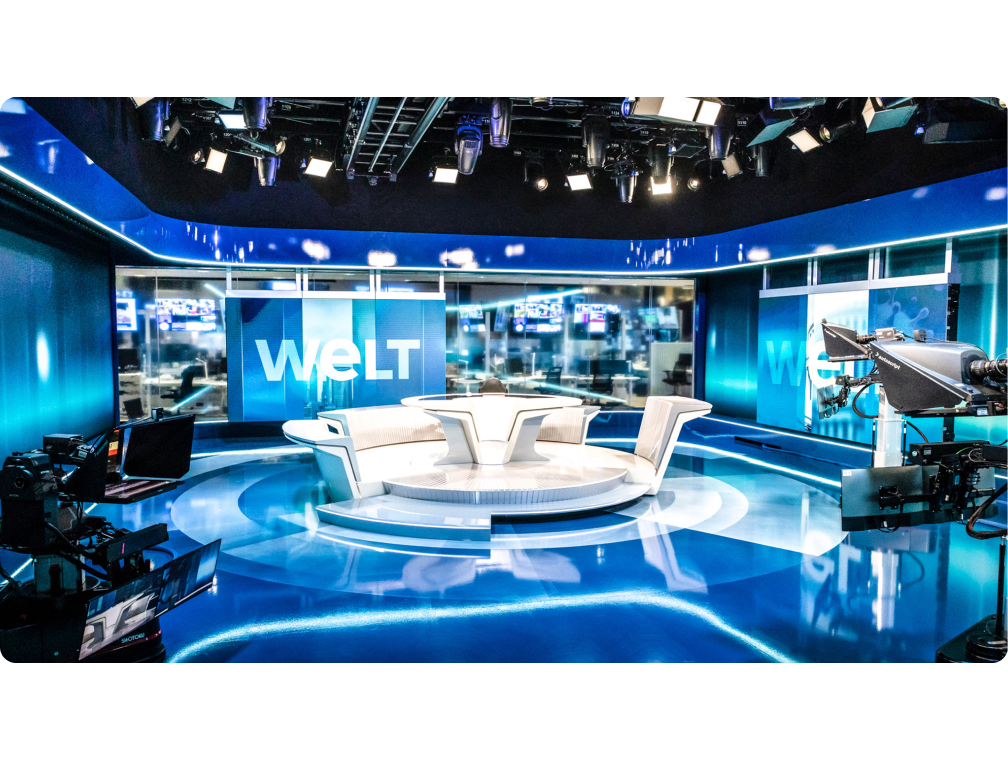
The Vizrt Advantage
Run every studio screen — graphics, video, and live feeds — from a single, intuitive interface. Simplify control, cut complexity, and focus on delivering shows that look sharp and run smoothly.
Ready for Tomorrow’s Production Needs, Today
Any Screen In Any Aspect Ratio
Playout to any screen in any aspect ratio, giving you total flexibility to design dynamic video walls and displays that fit your story — without technical limits slowing you down.

Unlock smarter video wall control. Get the Data Sheet.
Discover the advantages, innovative features and rewarding benefits, plus native and third-party integrations that users of Viz Multiplay have come to trust —and value. Download the Data Sheet and start your journey to simpler studio display management and control.
Real-World Results with Vizrt
Movistar+ one studio offers endless excitement for fans
As viewership habits shift toward mobile viewing, especially among the younger generation, broadcasters face new challenges. Movistar+ knows the significance of captivating younger viewers who prefer consuming content in non-traditional ways. Watch and learn how Movistar+ achieves its goals by leveraging Vizrt’s control and graphics tools to combine multiple different layers of storytelling and produce visually compelling shows that raise the viewer experience.
Viz Multiplay Powers Massive Video Wall at South Africa’s Most Watched News Channel
With a pioneering spirit that has seen it achieve several technology firsts in the country, it is no surprise that eNews Channel Africa (eNCA) is South Africa’s most watched 24-hour news service. Its latest triumph is a massive 12×3 meter curved LED videowall as the backdrop for its main studio which displays a wide variety of 3D graphics and interactive video clips that help tell compelling stories daily.
Viz Multiplay 3.3
Viz Multiplay 3.3 introduces Quick Presets, which lets Viz Multiplay operators quickly make changes to video wall content, such as positioning and cropping, while on-air. Additional features, improvements and security enhancements are included. For the full release notes please visit the Vizrt FTP site under /products/VizMultiplay/LatestVersion
Where Creative Vision Meets
Production Power
Related Resources
Back in the Studio-Viz Multiplay
Content is king, and you as a storyteller, breaking-news-teller, sports-teller – must use every tool including the studio environment to make the content shine! This is a demo that shows you exactly how to do that. No studio feature has become more dominant in the last decade than the video wall and being able to…